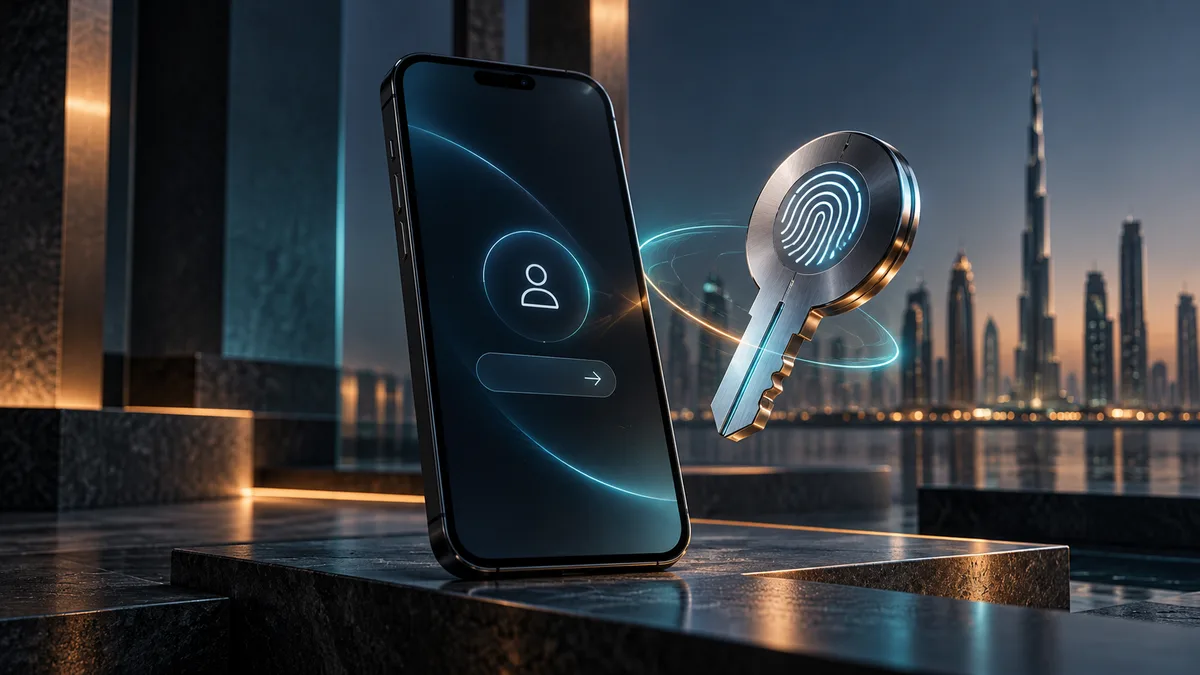
Passkeys can make returning to a customer portal easier. Before rolling them out, work through enrolment, lost devices and recovery. Customers need a dependable way back into their accounts, not just a quicker first sign-in.
A customer needs a document from your portal. They haven't signed in for several weeks, can't remember the password and end up calling your team. It's a familiar sort of problem, and one reason passwordless sign-in is worth considering.
Passkeys offer a different approach to authentication. But for a UAE business building a customer portal, replacing the password box is only part of the work. The details around it—shared computers, account ownership and recovery—will determine how useful the change feels.
What happens when someone uses a passkey?
Passkeys use public-key authentication. Your server holds the public credential information needed to verify a response; the user's authenticator manages the private credential. The device may ask the person to unlock it with a PIN or biometric. Your website doesn't receive their fingerprint.
The server still has work to do. It must verify the challenge and the relevant WebAuthn properties correctly. Use a maintained implementation and review its settings. A successful login demonstration doesn't prove that the underlying checks are right.
Make it clear which account is being enrolled
Consider a shared browser where someone forgot to sign out. Adding a passkey to the wrong account would be more than an awkward interface problem. Enrolment needs an appropriately authenticated session and a clear indication of whose account is changing.
Customers should also be able to see and manage their sign-in methods. Give credentials recognisable labels, provide a way to remove an unused one and confirm important account changes. Support staff need instructions for handling an enrolment the customer doesn't recognise.
Work through the lost-phone conversation
What will your support team do when a customer says they have lost their phone? Agree that process before launch. Recovery needs enough evidence to restore a legitimate user's access without offering an easier route to an attacker.
Don't assume every device or account provider handles synchronisation and recovery the same way. Test the combinations your customers use, including a cancelled prompt and an unavailable credential. Shared reception computers and employees leaving a customer company deserve their own scenarios.
| Scenario | What should happen? | Check carefully |
|---|---|---|
| First enrolment | Passkey added to the right account | Account identity and confirmation |
| Cancelled prompt | The user can try another route | No false success message |
| Lost device | A controlled recovery process | Identity verification |
| Access revoked | The account can no longer use the portal | Sessions and permissions |
Signing in doesn't grant access to every document
Authentication answers who signed in. Authorisation answers what they can do. Those are separate checks, whether the portal uses passkeys, passwords or another identity service.
Try opening a document directly using its URL. Then try it with a user from another customer account. The application needs to enforce access on the request, not just hide the link. Our secure document-upload guide looks at the file-handling side of this.
Give customers time to get used to it
Start with staff testing, followed by an opt-in group of customers. Track enrolment, return sign-ins, cancelled prompts and recovery requests. Break the results down by browser and device so a problem affecting one group doesn't disappear into an overall average.
Keep the instructions plain. People shouldn't need to understand authentication terminology to collect an invoice or check a service request. Test the wording as well as the software, and don't retire an existing sign-in method before the replacement is ready.
Include support in the project scope
Someone needs to own configuration, updates, monitoring and account incidents after launch. Include those responsibilities in the brief, along with acceptance tests for enrolment and recovery.
If you're planning a customer portal with Gligx, bring the current sign-in journey and the support requests it generates. That gives us a better starting point than choosing a login technology in isolation.
Sources and further reading
References checked on 23 October 2026.
Frequently Asked Questions
Will our website receive a customer's fingerprint?
No. The site verifies a cryptographic response. A fingerprint or other local unlock stays part of the device's authentication process.
Should we remove passwords as soon as passkeys work?
Not just because a demonstration succeeds. Check customer devices, enrolment, recovery and support readiness before retiring an existing sign-in route.
Does a passkey control which documents someone can open?
No. It helps establish who signed in. The portal still needs separate permission checks for files, records and actions.
What should we plan first besides the login itself?
Recovery. Decide how a customer regains access after losing a device without creating a weaker route that someone else could exploit.