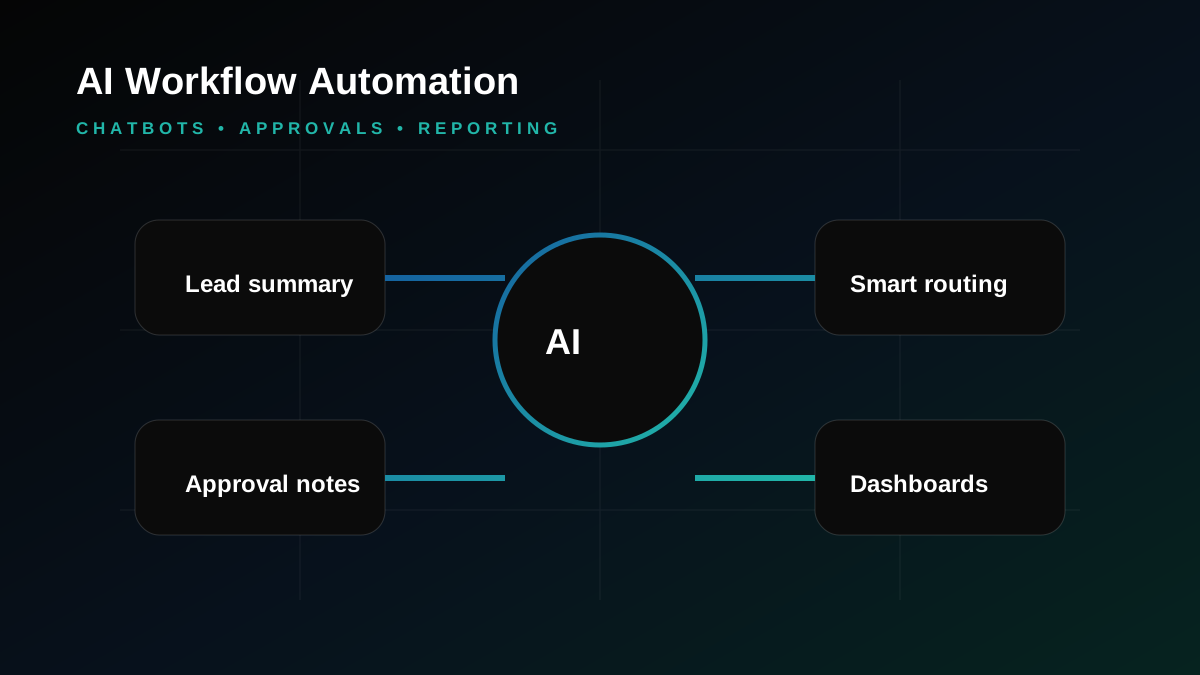
Workflow automation software is most useful when a business process is important but still handled through emails, spreadsheets, WhatsApp messages, and manual reminders. In many UAE companies, approvals move slowly because people do not know who owns the next step, which documents are missing, or where the request is stuck.
A custom workflow system gives the process a clear path. Users submit requests, managers review them, departments update status, documents stay attached, and management can see progress from dashboards. This is not about replacing people. It is about removing the repeated chasing that slows them down.
Good automation starts with mapping
Before building screens, map the process: who starts it, who reviews it, what data is required, what can be rejected, what needs escalation, and what report management needs. This prevents the system from becoming another confusing tool.
Approval workflows need audit trails
For finance, HR, procurement, project, licensing, and service workflows, audit history matters. A proper system should show who submitted, approved, rejected, edited, commented, uploaded, or closed a request.
Notifications should be helpful
Automation should reduce noise. Notifications should go to the right person at the right time through email, dashboard alerts, WhatsApp-style workflows, or mobile notifications where required.
How Gligx builds workflow systems
Gligx creates custom software for approvals, dashboards, document flows, task ownership, reports, and integrations. Workflow automation can also connect with AI automation, ERP/CRM systems, and mobile apps for field or management access.
A practical roadmap for UAE businesses
Most successful digital projects start with a simple conversation about how the business works today. What is slow? Where do leads get lost? Which team needs better visibility? Which reports are still prepared manually? Answering these questions early keeps the project grounded before any design, code, content, campaign, or integration work begins.
For operations, sales, finance, support, and management teams, the roadmap normally moves through discovery, requirement mapping, content or data preparation, UX planning, technical architecture, development, testing, launch, analytics, and improvement. The order matters because it keeps the project connected to real business outcomes, not just a new screen or campaign.
Common mistakes we try to prevent
A lot of projects become harder than they need to be because the team jumps straight into tools or templates. Weak requirements, unclear ownership, missing reports, poor mobile experience, no conversion tracking, thin SEO structure, and no support plan after launch can all reduce the value of the work.
Disconnected systems create another quiet problem. If the website, CRM, accounting software, payment gateway, mobile app, SEO campaign, and reporting dashboard do not speak to each other, staff usually end up fixing the gap manually. That is where time, leads, and accuracy are lost.
How this connects with Gligx services
Gligx looks at digital work as a connected business platform. Depending on the requirement, a project may involve AI automation and chatbot development, WhatsApp CRM automation, hosting, SEO, analytics, UX design, API integration, or ongoing support. This helps UAE and GCC companies avoid too many separate vendors working on pieces that should fit together.
Before starting, we define success in plain terms. Useful measures include enquiry quality, sales follow-up speed, approval time, reporting accuracy, customer experience, organic visibility, campaign conversion rate, operational efficiency, and how easy the system is to maintain later.
What to prepare before contacting a development partner
A short brief is enough for the first discussion: current website or system links, the problem you want to solve, examples of workflows, required integrations, user roles, preferred timeline, must-have reports, and any SEO or marketing priorities. It does not need to be perfect. It just gives the technical team something real to respond to.
Measurement after launch
Launch is the start of the useful learning period. After a website, campaign, software module, or automation goes live, the business should review analytics, user behavior, enquiry quality, conversion rates, support questions, operational delays, and content performance. These signals show what should be improved next.
For websites and marketing pages, we usually watch impressions, rankings, organic clicks, qualified enquiries, call clicks, WhatsApp clicks, form completion rate, and landing page engagement. For software and CRM projects, stronger signals are task completion time, user adoption, report accuracy, approval speed, and reduction in manual work.
Dubai and GCC buyer expectations
Buyers in Dubai and the wider GCC market often make quick judgements. They expect fast response, a professional website, clear proof of capability, mobile-friendly pages, and reliable follow-up. A good digital project should therefore support both the public-facing brand and the internal team handling enquiries, approvals, delivery, or customer communication.
Trust is built through small details working together: clear service pages, practical FAQs, visible contact details, credible project examples, smooth forms, useful blog content, and a website that feels maintained. Those details help visitors understand the company before they speak to sales.
Long-term maintenance and support
Digital systems need care because business requirements, security expectations, browsers, search algorithms, marketing channels, and customer expectations keep changing. A project should include a sensible support plan for updates, bug fixes, content improvements, analytics review, hosting coordination, and future feature requests.
This matters most for UAE and GCC businesses that depend on digital channels for lead generation, customer service, operations, or transaction processing. A maintained system protects the initial investment and keeps the platform useful as the company grows.
The strongest results usually come when content, design, software, hosting, analytics, CRM, SEO, and support are planned as one ecosystem. Each improvement then strengthens the whole business platform instead of becoming a one-time isolated task.
Frequently Asked Questions
What is workflow automation software?
It is software that helps requests, approvals, tasks, documents, notifications, and reports move through a defined process with less manual follow-up.
Which workflows can be automated?
Common workflows include budget approvals, HR requests, procurement, visitor management, project tasks, service requests, licensing, document review, and reporting.
Can approval systems include user permissions?
Yes. Users, managers, department heads, admins, and owners can have different permissions and dashboard views.
Can workflow software connect to mobile apps?
Yes. Mobile access is useful for managers, field teams, employees, and users who need notifications or approvals outside the office.
Does automation remove staff?
No. Good automation reduces repeated manual follow-up and helps staff focus on decisions, service, and operations.
Can Gligx build custom approval workflows?
Yes. Gligx builds custom approval systems, dashboards, audit trails, reports, notifications, and integrations for UAE businesses.