In this article
For UAE e-invoicing integration, test data mapping, validation, provider responses, corrections and reconciliation—not just the ability to export an invoice. Agree responsibility between finance, your ERP vendor and the chosen Accredited Service Provider.
Your ERP can print a tax invoice. It can email a PDF. It may even export an XML file. None of those facts, on its own, proves that the complete UAE e-invoicing integration is ready for production.
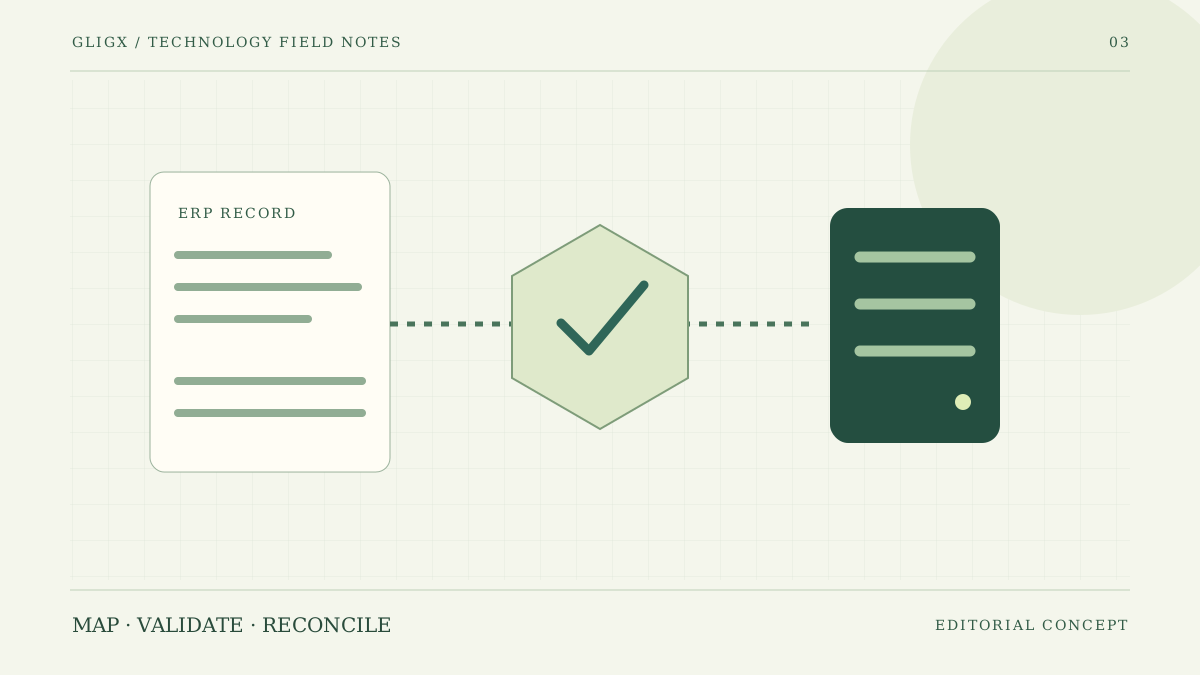
The implementation challenge is usually the gap between an internal accounting record and a controlled exchange process. Someone must prepare the right data, send it through the agreed connection, interpret responses and resolve exceptions without losing the accounting trail. This guide concentrates on that technical acceptance work. It is not a tax opinion or a statement that Gligx is an Accredited Service Provider.
Check the applicable requirements before choosing the connection
As checked on 2 November 2026, the Federal Tax Authority states that businesses in the AED 50 million-and-above revenue group must implement e-invoicing from 1 January 2027, with the stated ASP appointment deadline of 30 October 2026. That appointment date has already passed at the time of this article. Businesses should verify their own applicability, exclusions and current obligations against official guidance and a qualified adviser.
The Ministry of Finance's portal is the starting point for the programme, mandatory fields and provider information. Avoid building from an old slide deck or an unverified vendor checklist. Record which specification and provider interface versions your project is implementing, and who monitors changes.
Map invoice data before writing the API integration
Create a field-by-field mapping from the ERP record to the requirements applicable to your invoice and provider. Identify the source of each value, its format, validation rule and business owner. A field that exists in a spreadsheet is not necessarily available in the ERP's export or API.
Pay particular attention to party identifiers, addresses, invoice references, currencies, tax treatment, line details, allowances and totals. These are areas to verify against the relevant specification, not a substitute mandatory-field list. Use representative transactions from your business rather than one convenient sample invoice.
If a customer record is incomplete, decide whether finance corrects it centrally or the integration rejects the document for review. Silently filling gaps with guessed values creates a data-quality problem and makes the resulting audit trail harder to explain.
Keep accounting approval separate from transmission status
An invoice approved internally, queued for delivery and acknowledged by an external service has passed through different stages. Represent those stages explicitly. Use the exact status meanings agreed with your ASP; do not invent a generic successful state that hides validation failures or pending actions.
A finance user should be able to answer three questions: what was sent, what response came back, and what action is required now? Store the relevant references and timestamps with controlled access. Raw technical responses may need a restricted support view rather than appearing in every user's dashboard.
| Scenario | What to demonstrate | Who should review it |
|---|---|---|
| Valid representative invoice | Approved data maps correctly and responses are recorded | Finance and integration team |
| Missing or invalid master data | Clear rejection without fabricated replacement values | Finance data owner |
| Timeout after transmission | Status investigation before any duplicate retry | ERP vendor and ASP |
| Correction or credit-note workflow | References and accounting links remain traceable | Finance and tax adviser |
| Provider outage | Visible queue, alerts and an agreed recovery process | Operations owner |
Make retries safe and visible
A timeout is ambiguous: the receiving system may have processed the request even though the reply never arrived. Ask your provider how to identify a transaction, query its status and retry safely. The integration must follow the provider's supported duplicate-prevention mechanism.
Give every queued item a stable internal reference. Retain the relationship between that item, the accounting record and the provider reference. Staff should not create a replacement invoice simply because a technical acknowledgement is delayed. The correct response depends on the accounting and provider workflow.
Test corrections with finance, not just developers
What happens if a customer disputes a value after exchange? How is a correction represented? Which original document must be referenced? These questions require finance and tax input as well as implementation work. They cannot be settled by changing an error message in the interface.
Use the provider's test environment and approved examples to exercise your relevant transaction types. Include discounts, rounding, foreign currencies and other cases your business actually uses. A project should record unsupported cases and how they will be handled before production traffic reaches them.
Reconcile records across system boundaries
Agree a routine reconciliation report showing accounting records, integration queue items and external statuses. An invoice should not disappear from the operational view because it moved to another system. Highlight missing acknowledgements, unresolved rejections and references that do not line up.
Assign the daily review to a named role. A dashboard that everybody can see but nobody owns is not an exception-management process. Agree when a finance issue becomes a vendor support case and what evidence the team should supply without exposing credentials or unnecessary personal data.
Do not confuse OCR automation with e-invoicing compliance
The Ministry distinguishes structured electronic invoices from unstructured PDFs, images and emailed documents. OCR can help extract information from incoming paperwork, but reading a PDF does not turn the workflow into the required structured exchange.
If you are considering both projects, maintain separate acceptance criteria. The AI document-processing guide explains extraction and review. The e-invoicing project needs its own mapping, provider connection and evidence of the required transaction handling.
Use a go-live checklist with a rollback decision
Before launch, confirm production credentials, account ownership, monitoring, access permissions, retention arrangements, support contacts and reconciliation responsibilities. Test how configuration is changed without publishing secrets. Rehearse an outage and establish who has authority to pause the integration.
A rollback plan must respect the business and regulatory context. It is not permission to ignore obligations or return to an unsuitable process. Agree a continuity procedure with the relevant finance, provider and advisory teams, including what happens to documents already exchanged.
For integration scoping, discuss your ERP, transaction types and provider arrangements through Gligx's ERP and accounting integration service or e-invoicing API integration service. Existing readers can use our programme timeline guide for context, but official requirements remain authoritative. Bring anonymised examples and an interface specification to the first discussion; there is no need to send live credentials or customer invoices through an enquiry form.
Sources and further reading
External references checked on 2 November 2026. Project examples in this guide are illustrative, not reported client results.
Frequently Asked Questions
Does exporting an XML file prove UAE e-invoicing readiness?
No. The complete workflow needs applicable data requirements, validation, provider integration, response handling and operational reconciliation. Verify the specification and interface versions with the chosen ASP and responsible advisers.
Does OCR of a PDF invoice replace e-invoicing integration?
No. Reading an unstructured document is different from the required structured electronic exchange. OCR may support internal processing but does not by itself fulfil e-invoicing obligations.
What should happen after an invoice transmission times out?
Investigate the transaction status using the provider's supported references and duplicate-prevention mechanism before retrying. A timeout does not prove that the receiving service failed to process the request.
Is this a tax opinion or a claim that Gligx is an ASP?
Neither. This is a technical implementation guide. Confirm applicability and current obligations with official sources and a qualified adviser; confirm provider accreditation through the relevant official information.