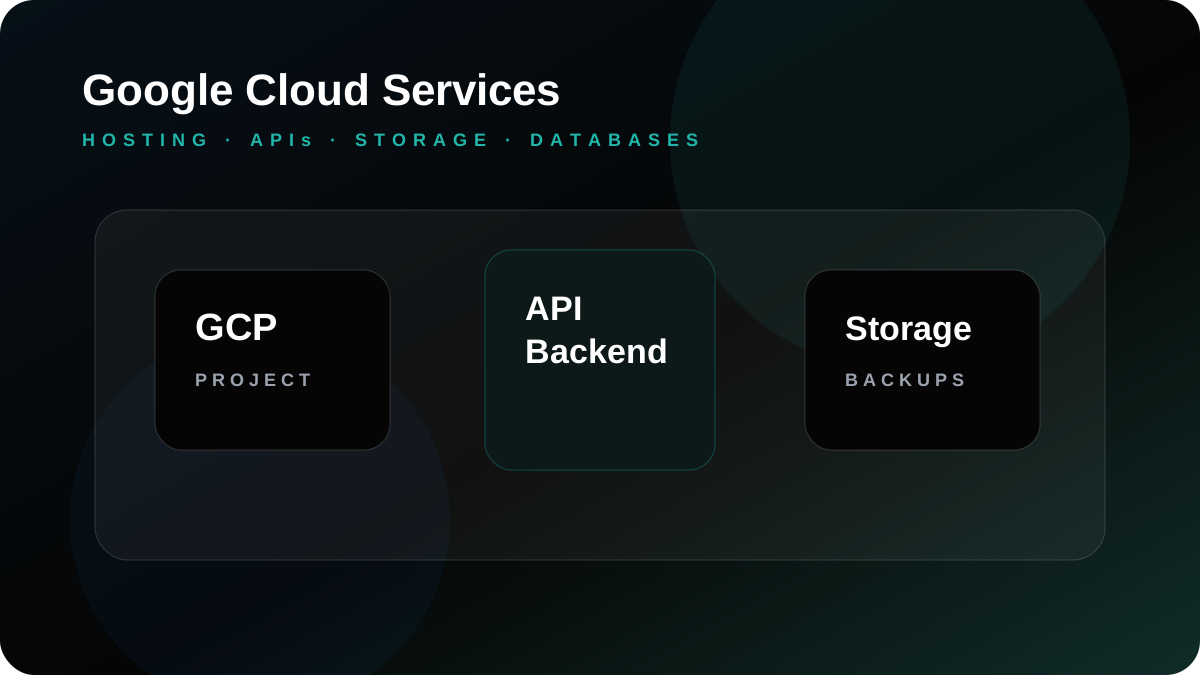
Google Cloud can support business websites, APIs, storage, databases, custom applications, mobile app backends, and data-connected workflows. For UAE companies, the real decision is not simply whether Google Cloud is a strong platform. The question is whether the project has been planned with the right architecture, security, deployment routine, monitoring, and support model.
A corporate website, eCommerce store, CRM system, SaaS product, booking platform, and mobile application backend all place different demands on cloud infrastructure. Before choosing a setup, the business should understand what will be hosted, who will use it, how often data changes, what integrations are required, and what happens if the system is unavailable.
Where Google Cloud can be useful
Google Cloud can be useful for application hosting, API backends, file storage, database planning, staging environments, log review, monitoring alerts, and backup planning. It is often considered when a business wants to move beyond basic hosting and needs a cloud environment that can support development, testing, scaling, and long-term maintenance in a cleaner way.
Application hosting and API backends
Many modern websites and apps rely on APIs. A mobile app may need user login, push notifications, media uploads, bookings, payment status, or dashboard data. A web application may need role-based screens, reports, document storage, and third-party integrations. Google Cloud can support these backend needs when the application is deployed with proper environment separation and monitoring.
Deployment process matters
Cloud problems often come from unclear deployment routines rather than the provider itself. Teams need to know how code is released, who approves production changes, where backups are stored, how database changes are handled, and how issues are detected. A staging environment is especially useful because it allows updates to be tested before affecting customers or staff.
Security and access planning
Google Cloud projects should include access control, credential management, SSL, DNS review, backup access, update responsibility, and basic incident response planning. A cloud account should not become a shared password between vendors. Each role should have the access it needs and no more. This keeps the system easier to support and reduces unnecessary risk.
Google Cloud for UAE digital projects
For UAE businesses, Google Cloud can support lead-generation websites, software dashboards, eCommerce platforms, customer portals, booking systems, and mobile apps. It can also connect with analytics and reporting workflows when the business needs better visibility over user activity, enquiries, application usage, or operational data.
How it connects with Gligx services
Google Cloud support can connect with SEO-ready website design, custom software development, mobile app development, eCommerce development, and ongoing hosting support. Planning infrastructure together with development helps avoid deployment surprises after the project is already built.
What to prepare before moving to Google Cloud
Useful preparation includes current hosting details, domain access, source code or CMS access, database details, file storage requirements, expected traffic, user roles, backup expectations, integrations, and any compliance or data handling concerns. This allows the technical team to recommend an approach that fits the real workload.
Gligx approach to Google Cloud services
Gligx supports Google Cloud projects with discovery, migration planning, deployment support, backup routines, monitoring review, performance checks, and long-term maintenance. The goal is not to make the cloud setup look complicated. The goal is to make the website, application, or backend stable, maintainable, and ready to grow with the business.
Google Cloud planning checklist
A Google Cloud project should begin with a clear inventory of the system: source code, CMS files, databases, uploaded media, DNS records, SSL requirements, API endpoints, user roles, storage needs, backup frequency, and monitoring expectations. The plan should also identify who will deploy updates and who will respond if the website or application has an issue.
For mobile apps, the backend plan should include login, user data, file uploads, push notification logic, admin dashboards, logs, API versioning, and release support. For websites, the plan should include speed, redirects, form delivery, sitemap access, analytics, and Search Console readiness.
Why documentation matters
Cloud environments become risky when nobody documents how they work. Gligx recommends keeping clear notes for hosting structure, access levels, backup locations, deployment steps, DNS changes, and support contacts. This makes the system easier to maintain if the business expands or changes vendors later.
Common Google Cloud mistakes to avoid
Common mistakes include deploying without a rollback plan, mixing test and live data, using shared credentials, forgetting backup verification, not reviewing logs, and launching without checking mobile app endpoints or website forms. These details are easy to miss when the project is moving quickly.
Businesses should also avoid choosing cloud services only because they sound advanced. The setup should match the workload, budget, internal team, and support expectation. A simple and well-documented cloud environment is usually better than a complex setup nobody wants to maintain.
Operational handover after launch
After launch, the business should know where the website or app is hosted, who receives alerts, how backups are checked, when updates are deployed, and how urgent issues are escalated. This handover is especially important for UAE companies that rely on the website for leads, bookings, payment workflows, or internal staff access.
What to monitor after deployment
Useful post-launch checks include form delivery, API response, error logs, storage usage, database performance, uptime alerts, SSL validity, DNS behavior, and page speed. For websites with SEO traffic, Search Console, analytics events, sitemap access, and crawl errors should also be reviewed after the migration or deployment.
For custom applications, management should know which reports and dashboards are business-critical. Those screens should be checked after every deployment because small backend changes can affect the daily workflow of sales, finance, operations, or customer support teams.
Where Google Cloud fits with other services
Google Cloud support can sit behind custom software development, mobile app development, eCommerce websites, and SEO-ready corporate websites. When the hosting plan is connected with development and support, the final system is usually easier to operate.
Frequently Asked Questions
Can Google Cloud host a business website?
Yes. Google Cloud can host websites, applications, APIs, storage, and databases when the environment is planned and maintained properly.
Is Google Cloud suitable for mobile app backends?
Yes. It can support APIs, storage, databases, authentication workflows, and backend services for mobile apps depending on project architecture.
What is the main risk in cloud migration?
The main risk is moving without a complete dependency check, staging test, backup plan, DNS plan, and post-launch monitoring.
Can Gligx support Google Cloud after launch?
Yes. Gligx can support monitoring review, troubleshooting, backups, updates, performance checks, and future cloud changes.